One file. No setup. Help right away.
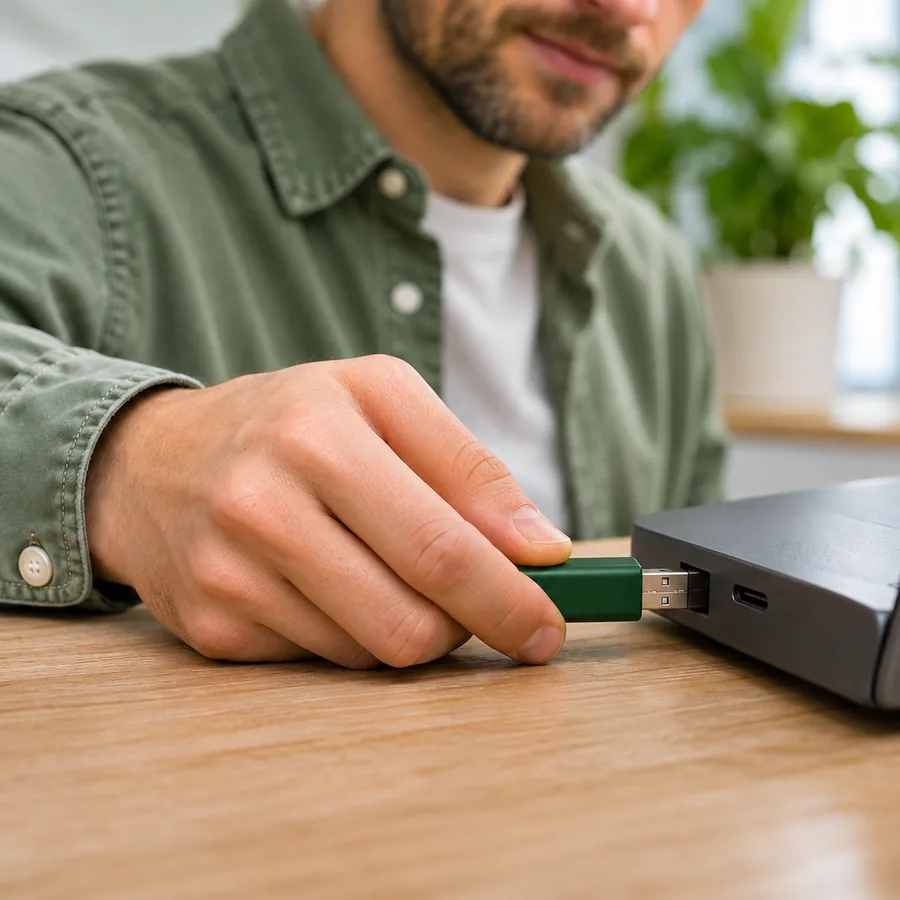
The Portable is EZZE Remote in a single file. No installation, no admin rights, runs straight from a USB stick. Perfect for technicians working on other people’s PCs.
- Runs from a USB stick
- No admin rights needed
 EZZE Remote Portable
When the Portable is the better choice.
- Technicians on the roadAlways with you on a USB stick. Start, help, close. Nothing stays installed on the other PC.
- Locked-down company PCsWhere the Microsoft Store is switched off or installations are not allowed, the Portable still runs.
- Admin PC for the hostWith the Portable you can also connect via unattended access to PCs running the Host.
Store app or Portable?
Both can do the same things and connect to each other. The difference is how they get onto the PC.
| EZZE Remote from the Store | EZZE Remote Portable | |
|---|---|---|
| Installation | Via the Microsoft Store | None, a single file |
| Admin rights | Not needed | Not needed |
| Updates | Automatic via the Store | Download a new file |
| Get help and help others | Yes | Yes |
| Pro licence | Buy directly in the app | Transfer the Store purchase with a device code |
| Own ID | Yes | Yes, per Windows user |
Buy once in the Store, use it anywhere.
Licences are only available in the Microsoft Store. To use yours in the Portable too, you link both with a short device code.
- 1Buy Pro in the Store app
The purchase works as usual through your Microsoft account.
- 2Show the device code in the Portable
In the Portable’s settings you request a device code. It is valid for ten minutes.
- 3Enter the code in the Store app
The Store app confirms your purchase. The Portable is unlocked straight away.
Good to know.
Does anything stay behind on the PC?
The Portable installs nothing. It stores settings, ID and device key in the Windows user profile so the ID stays the same the next time it starts.
Why does Windows show a warning on first start?
As long as the file does not yet carry a publisher certificate, Windows SmartScreen may ask on first start. The Portable will be signed before the public download.
Can the Portable talk to the Store app?
Yes. Store app, Portable and Host connect freely with each other. Ideally both sides use the current version.
Does the Portable install the host service?
No. For access to locked PCs there is the separate Host setup.
Ready to help someone remotely?
Get EZZE Remote from the Microsoft Store and share your ID. That’s all there is to it.